
The 6420 error is the result of a bad connection to the server. Before anything make sure your path to the “MWDBlist” file is correct (Medisoft does not care about your network shares so be sure to copy the entire path into the path field).
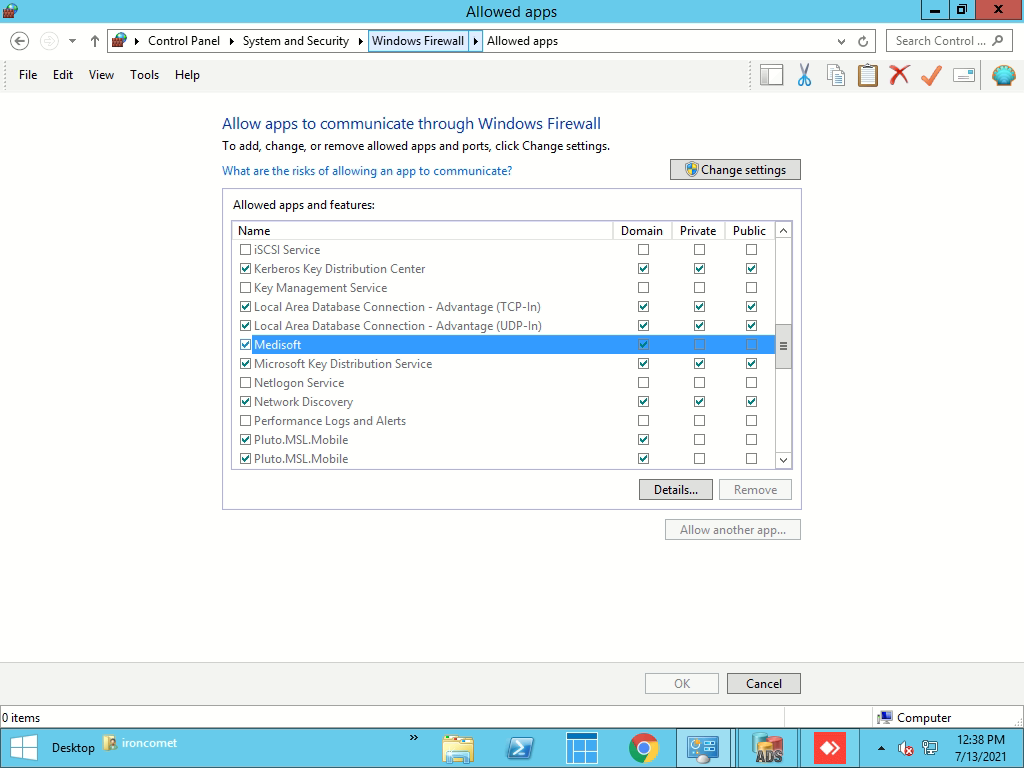
If the path is set properly and the 6420 error still happens, head over to Windows Firewall > Allow an app or feature through Windows Firewall. Find Medisoft and make sure it is allowed for Domain access. Try to launch Medisoft.
If the issue persists, a modification to a configuration file will need to be made.